Free download: the WISP Readiness Checklist for tax professionals. Get the checklist
CRM for tax preparers

The CRM built for the way tax preparers actually work.

Generic CRMs were made for sales teams. Tax Mastery Pro was built from real tax office experience, so intake, documents, signatures, invoices and your preparers all live in one branded system designed around tax season.

Why tax preparers outgrow spreadsheets and email

Most tax offices run on a patchwork: texts for client questions, email for documents, a separate e-signature tool, a separate invoicing tool and a spreadsheet to track who is working on which return. Every handoff is a chance for a document to get lost or a client to fall through the cracks, and it all gets worse in February. Tax Mastery Pro replaces that patchwork with one secure platform so your whole office works from the same place.

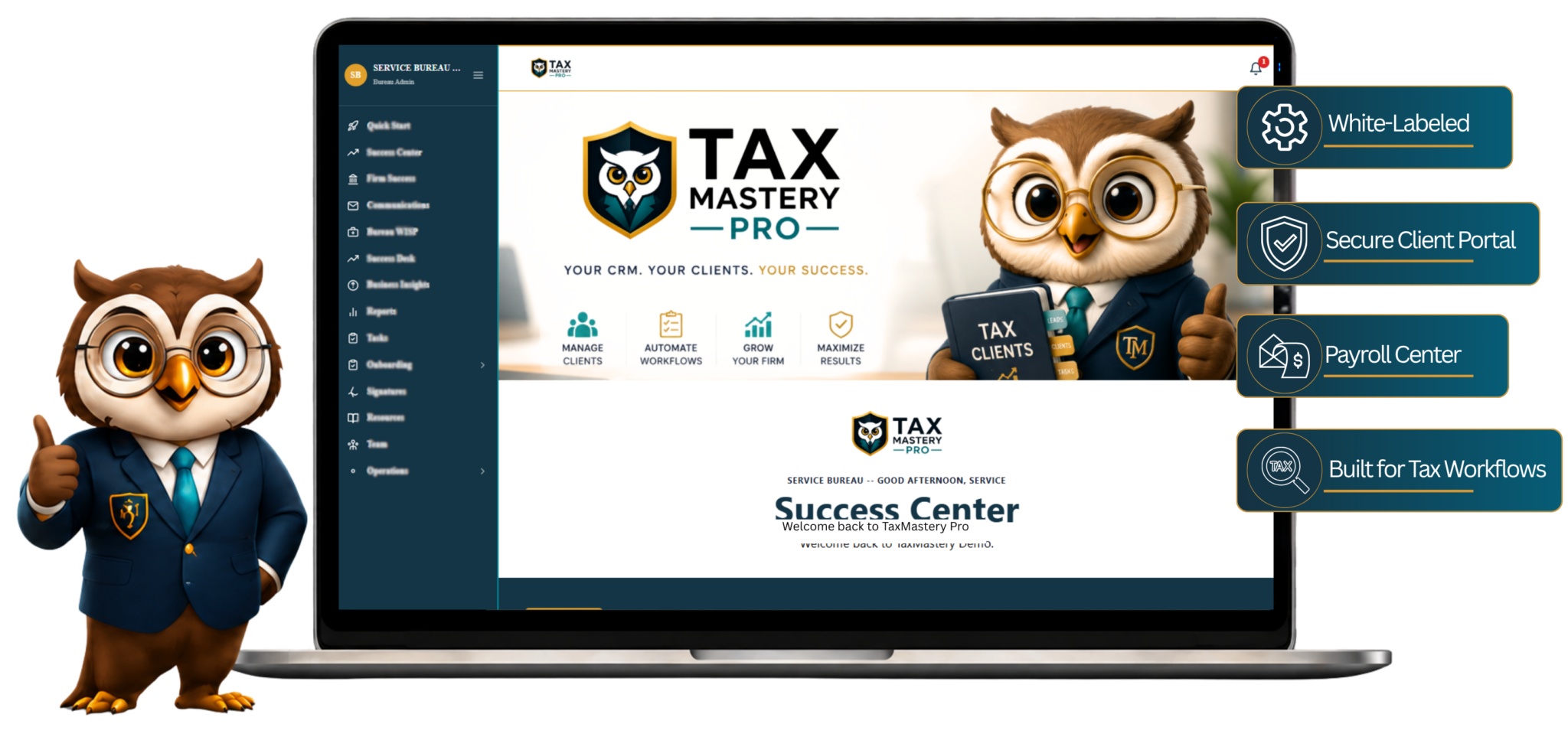
Everything in one place, under your brand

Each client gets an organized profile with their intake answers, uploaded documents, signed forms, invoices and messages. Your clients log in to a portal that carries your business name, logo and colors, not ours. Your team sees what they need based on the permissions you set.

Built for solo pros and growing firms

Start on the Hatching plan with up to 5 preparers and grow into Nest, Parliament or Enterprise as your team expands. Every plan includes unlimited clients and every CRM feature, so you never have to choose between the tools you need and the price you can afford.
What you get

Everything your office needs in one place.

Client management

Profiles, notes, returns and files organized by client and tax year.

Digital intake forms

Clients complete intake online before their appointment.

E-signatures

Engagement letters and forms signed electronically.

Invoicing

Send invoices and track payments from the same dashboard.

Time tracker

See where your team's hours are going.

Team and room management

Add preparers, set permissions and organize your office.

Free download

Is your tax office WISP ready?

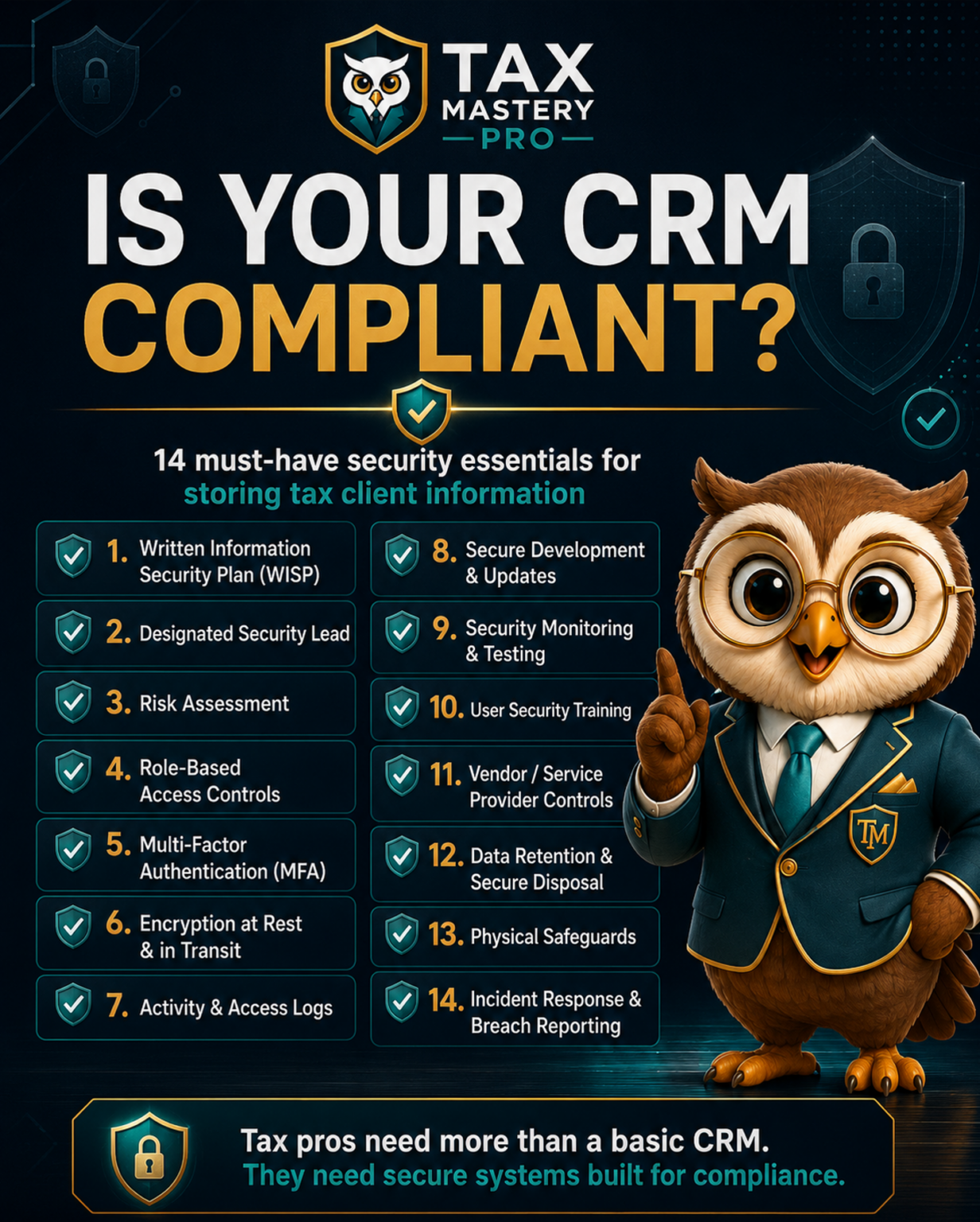
Federal rules require tax professionals to protect client data with a written information security plan. Our free checklist walks you through what the FTC Safeguards Rule and IRS guidance expect, in plain English, so you can spot the gaps before they become a problem.

  • The 9 required parts of an information security program
  • Access, encryption and multi-factor authentication checkpoints
  • What to do (and who to notify) if a breach happens
  • A printable checklist you can work through with your team
WISP Readiness Checklist

Get your free copy

Enter your details and the checklist opens instantly. We'll email you a copy too.

We respect your inbox. No spam, unsubscribe anytime.

FAQ

Common questions

What makes Tax Mastery Pro different from a general CRM?

Tax Mastery Pro is designed specifically for tax professionals. It combines client management, document collection, electronic signatures, invoicing, appointments, communication, workflows and preparer management in one system built around the tax office workflow.

Does Tax Mastery Pro integrate directly with tax software?

Tax Mastery Pro currently operates independently from tax preparation software. Direct integrations with select tax software providers may be added in the future.

Do I need to download any software?

No. Tax Mastery Pro is web-based and works in a supported browser on a computer, tablet or mobile device.

How many clients can I have?

Every plan includes unlimited clients. Plans differ by the number of preparers and the amount of storage.

Ready to run your office from one branded platform?

Plans start at $59 per month with unlimited clients and every CRM feature included.

View Plans